
Matterport Virtual Staging

Step-by-step guide to roOomy orders

2
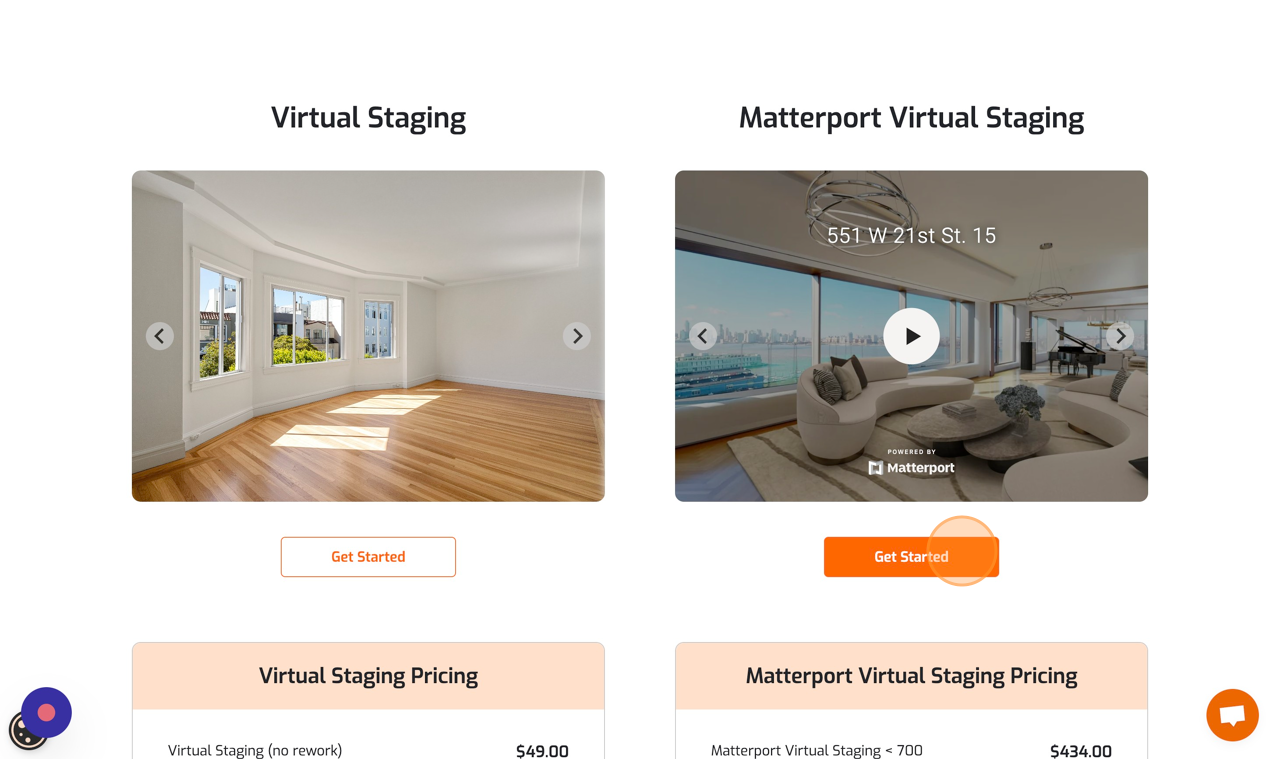
Click “Get Started”
Screenshot for step 2
3
Click the “Enter your email address…” field and type your email address. We will create your account and send you a link to click and login.
Screenshot for step 3
4
Click “Send access link to email”
Screenshot for step 4
5
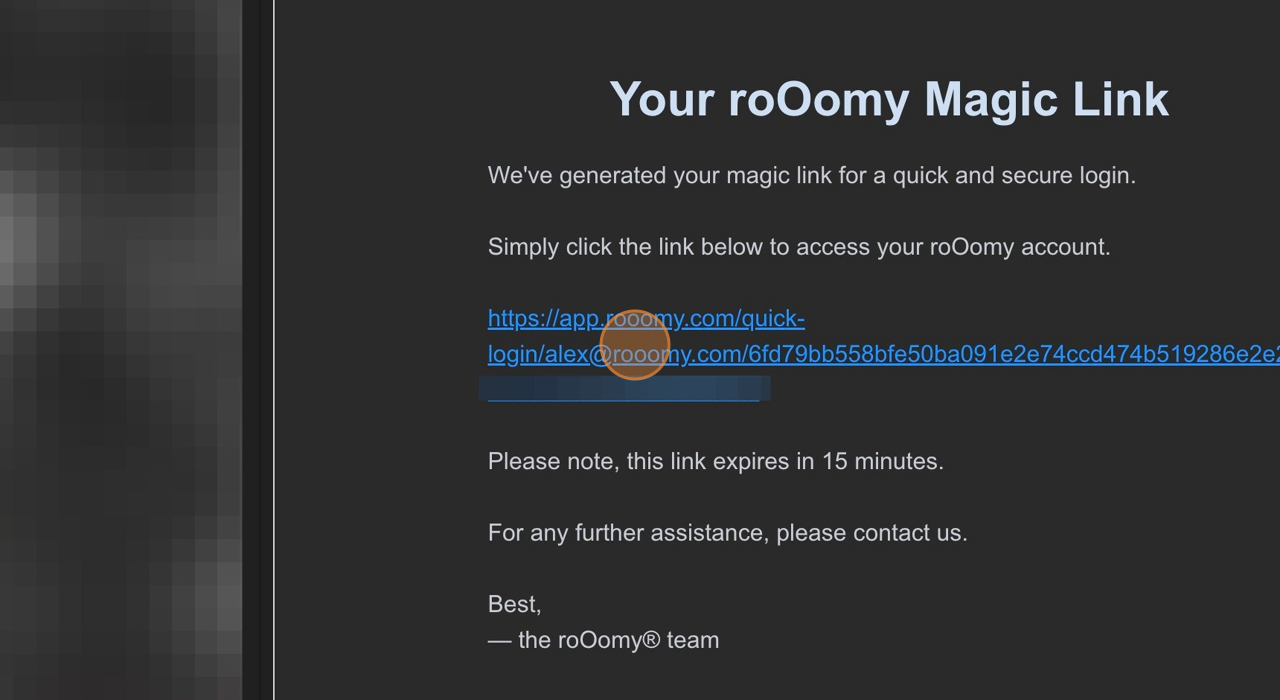
Click the login link, or copy and paste the link into a new browser tab if it’s not clickable.
Screenshot for step 5
6
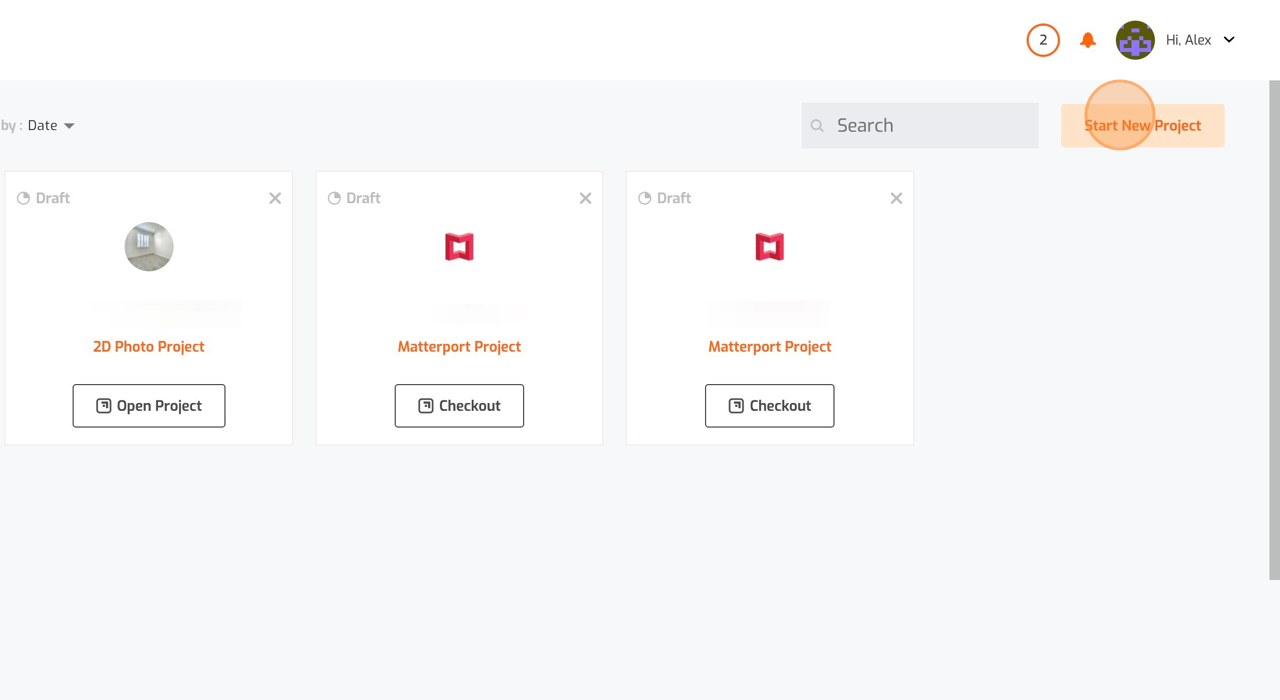
Click “Start New Project”
Screenshot for step 6
7
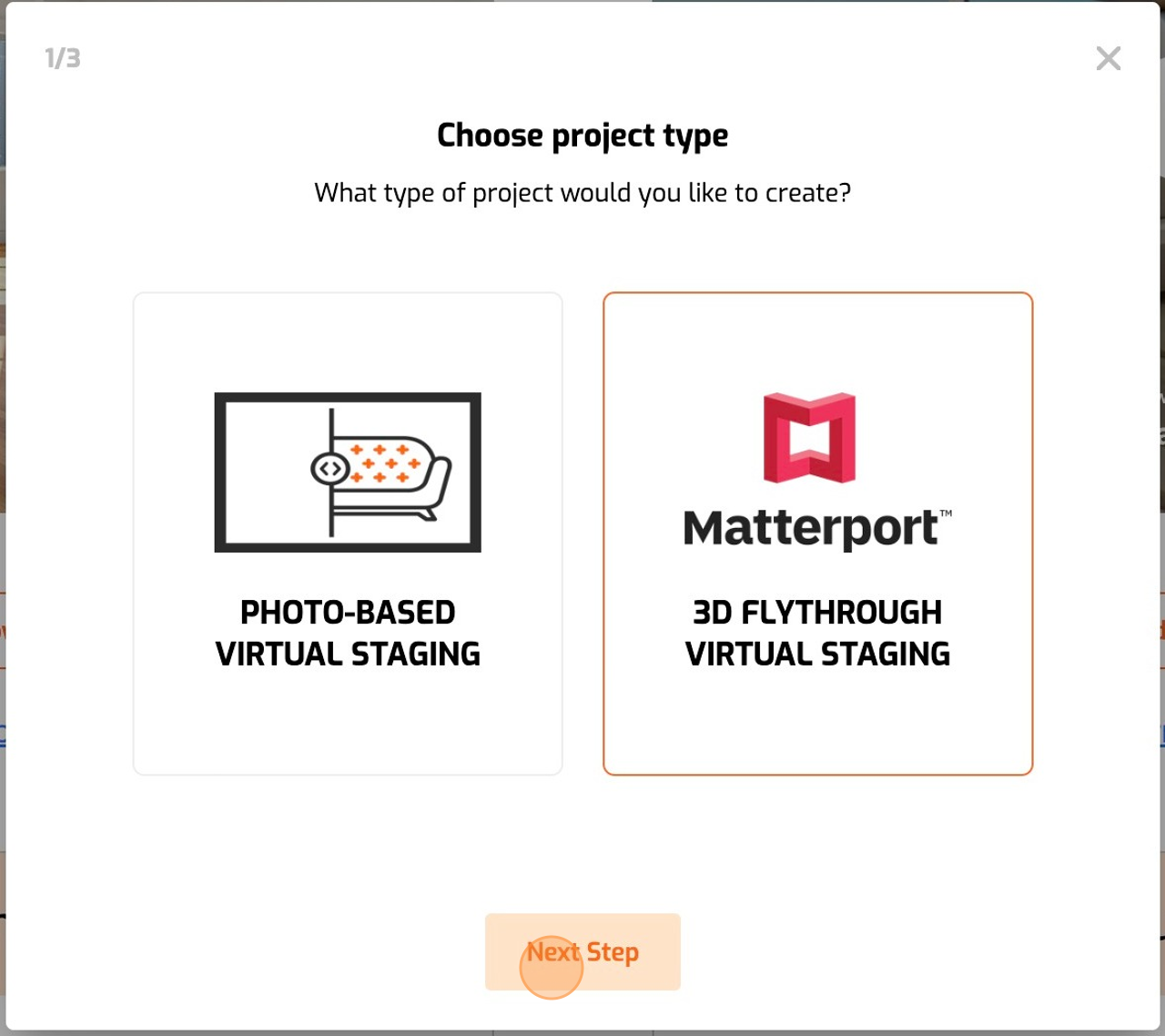
Select “Matterport 3D Flythrough Virtual Staging”
Screenshot for step 7
8
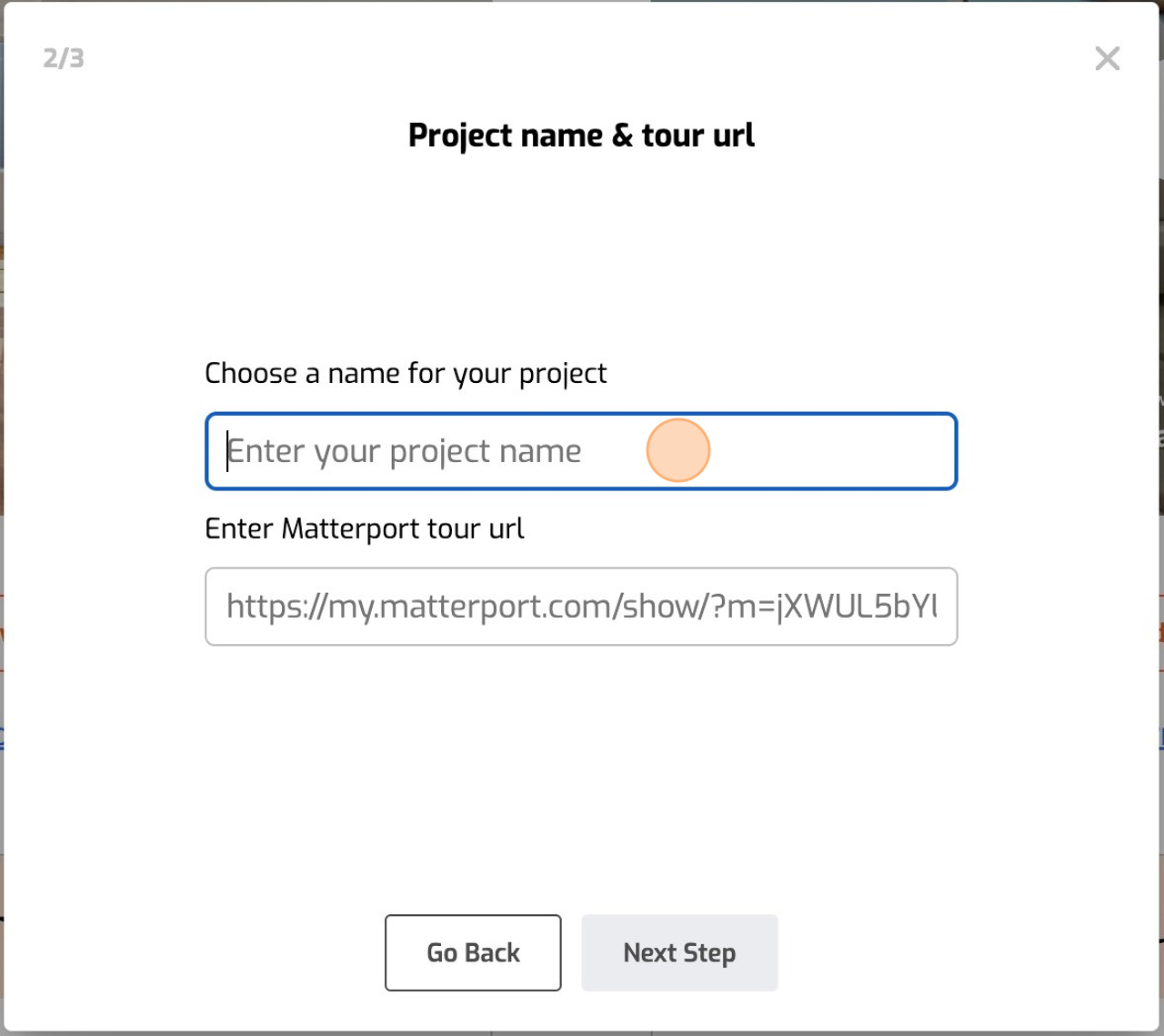
Click the field labeled “Choose a name for your project” and enter a name. This name is purely for your convenience and does not have to match the actual Matterport tour title.

Optionally, you can input the Matterport tour URL. Please note, this step isn’t mandatory as you will be transferring the tour to us.
Screenshot for step 8
9
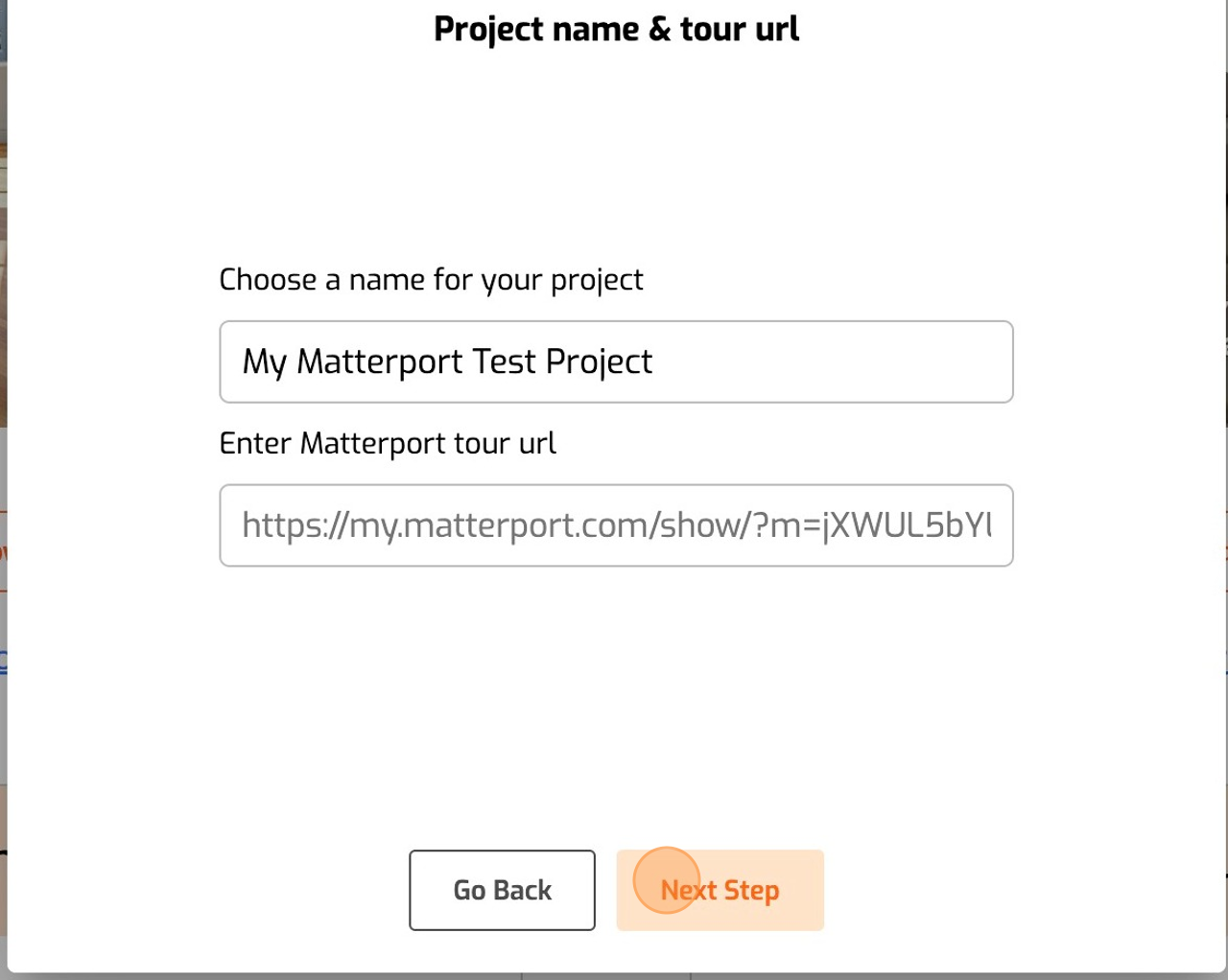
Click “Next Step”
Screenshot for step 9
10
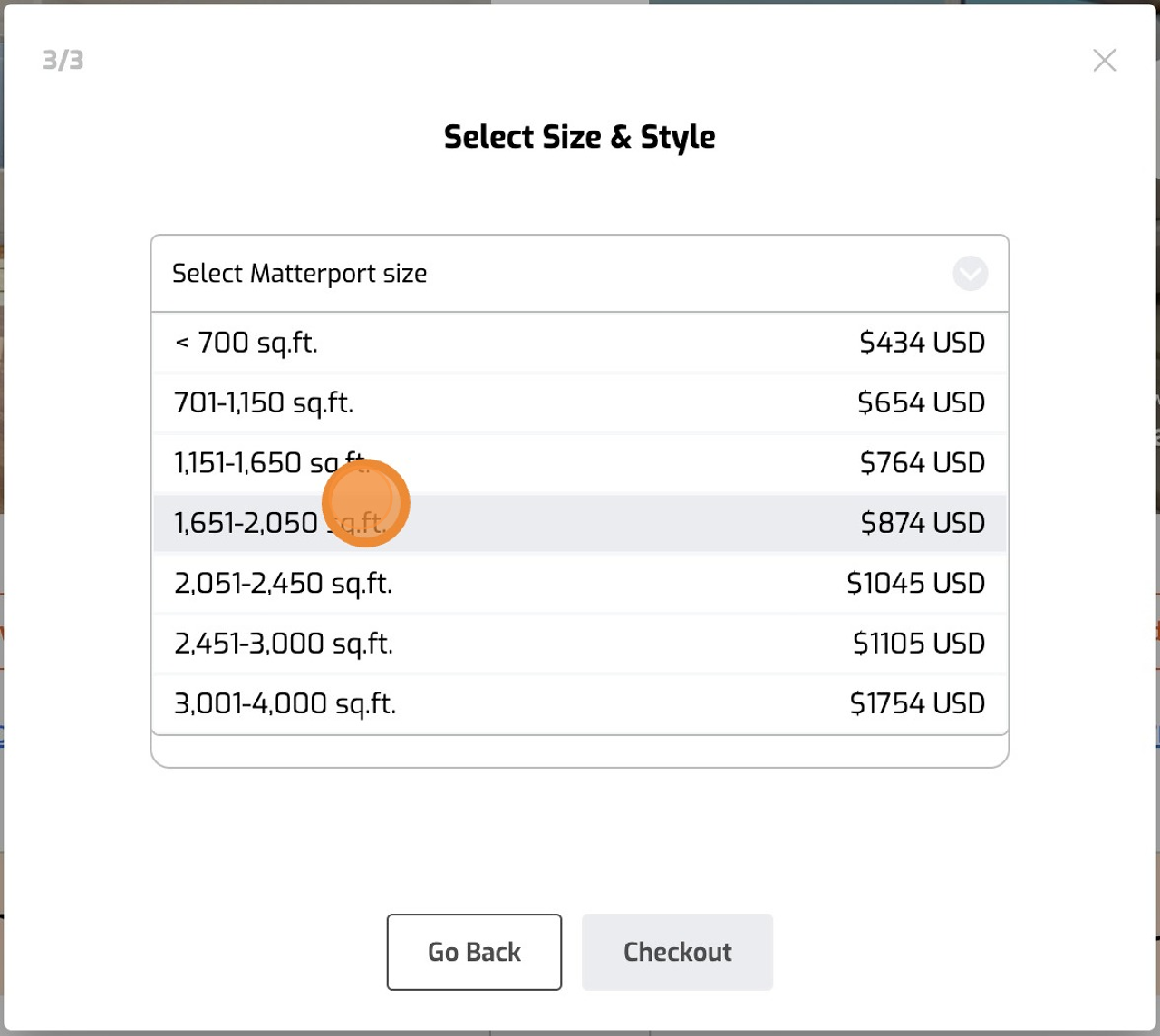
Select Matterport Size & Design Style
Screenshot for step 10
11
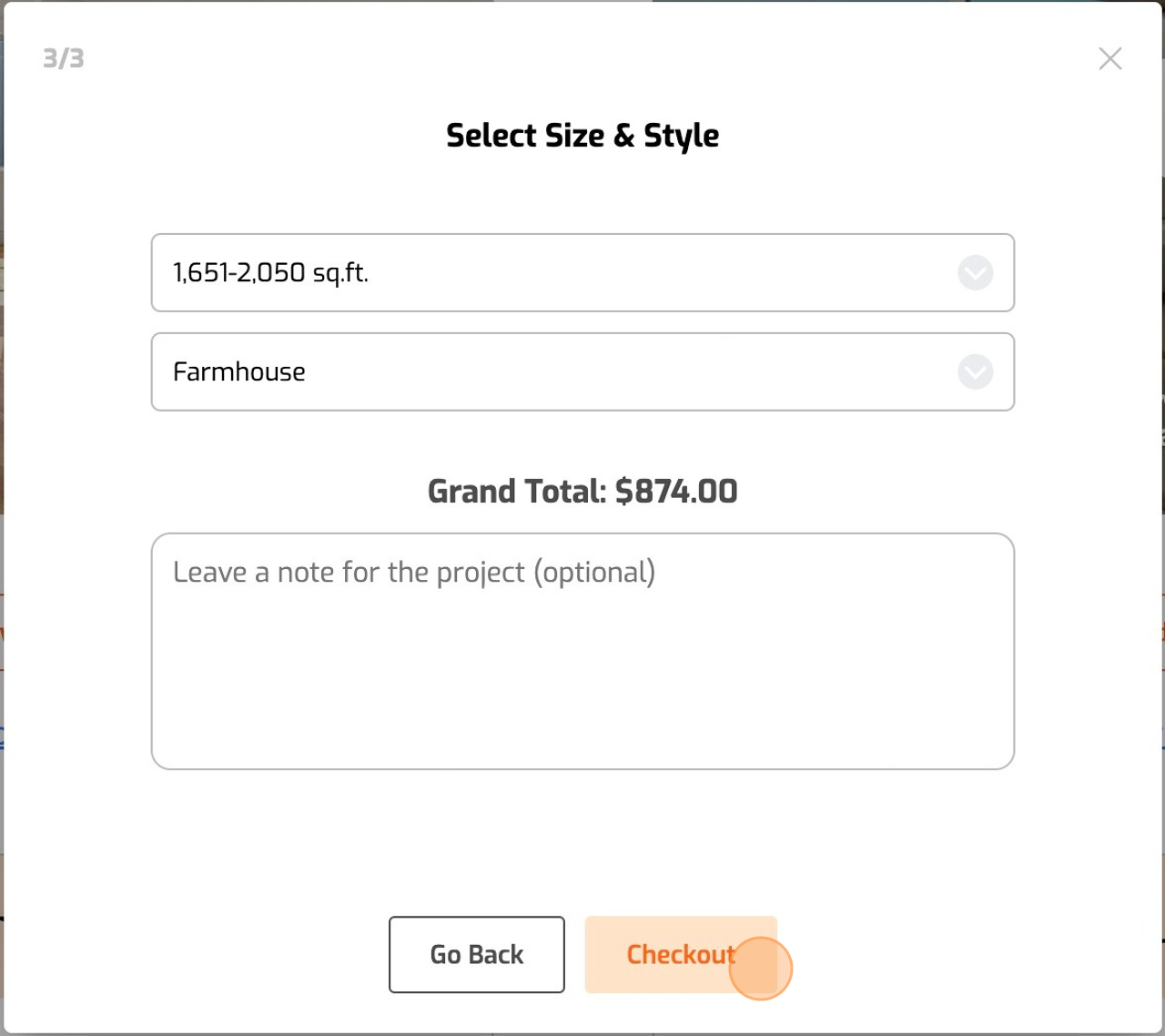
You also have the option to provide notes, and upload photos or PDF files for our designers. While you can send additional notes via email, we strongly encourage you to attach all information and instructions during the order placement for efficiency.

Once all information has been provided, simply click “Checkout” to move forward to the payment page.
Screenshot for step 11
12
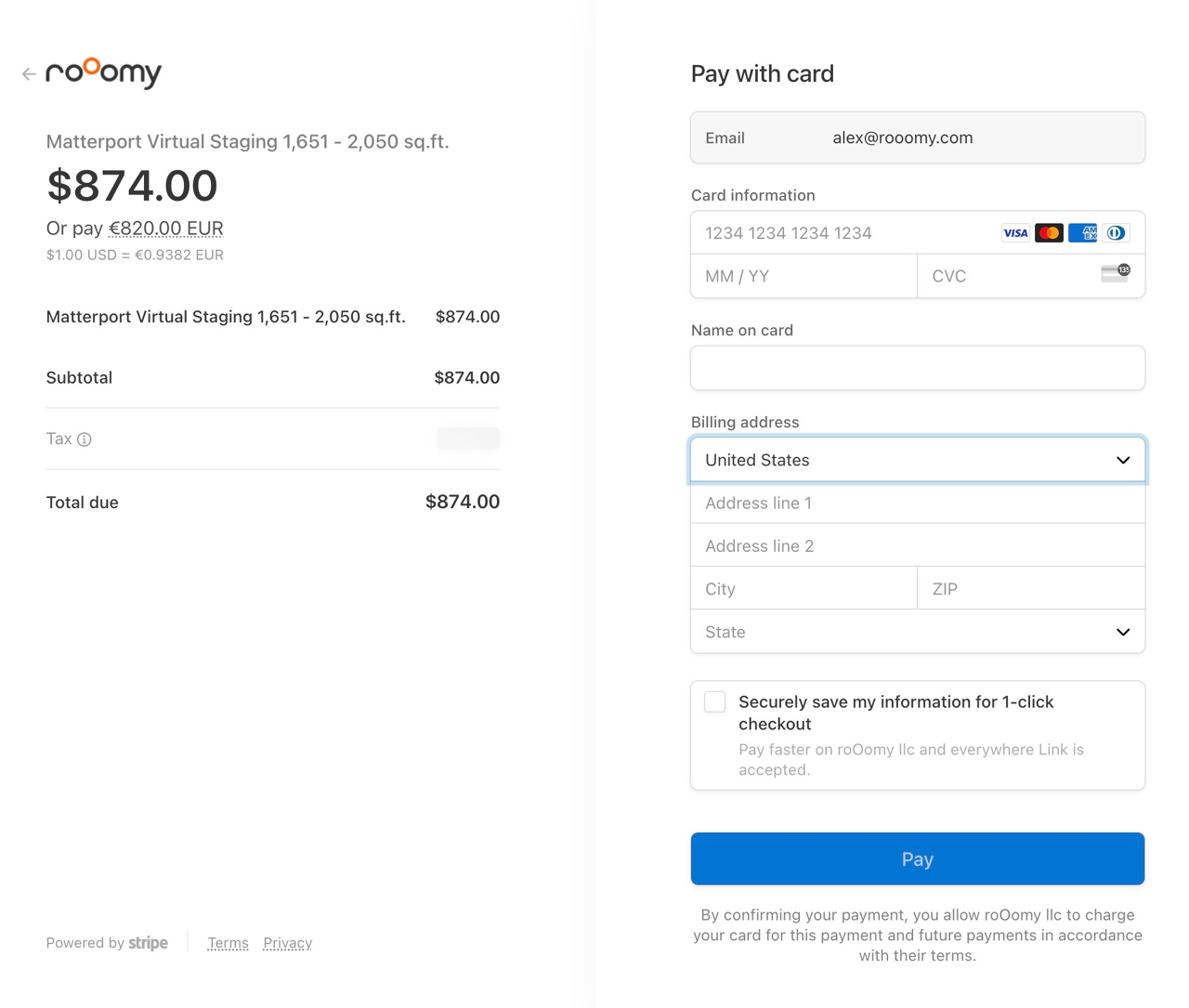
Next, input your payment information to finalize your order. Once completed, an invoice and receipt will be sent to your email.

After your order, the following page will provide you with detailed instructions on how to transfer the tour to our account.

You will also receive an automated email confirming the successful receipt and processing of your order.

Should you have any queries or need to send additional information, please feel free to respond to the confirmation email, or directly contact us at [email protected].
Screenshot for step 12

Ready to Get Started?

Get started by placing your order today, or contact us to discuss your project with one of our Matterport Virtual Staging specialists.