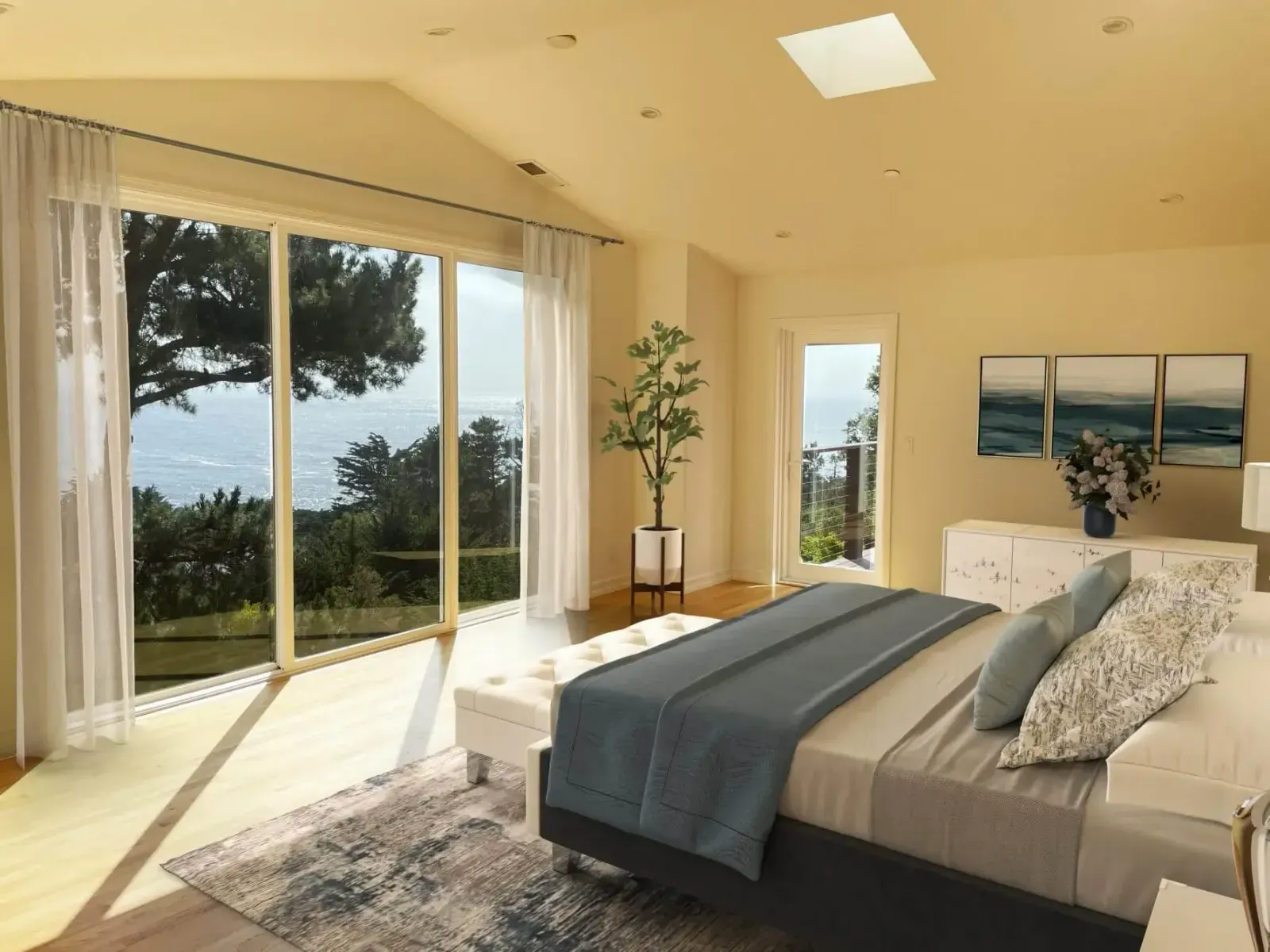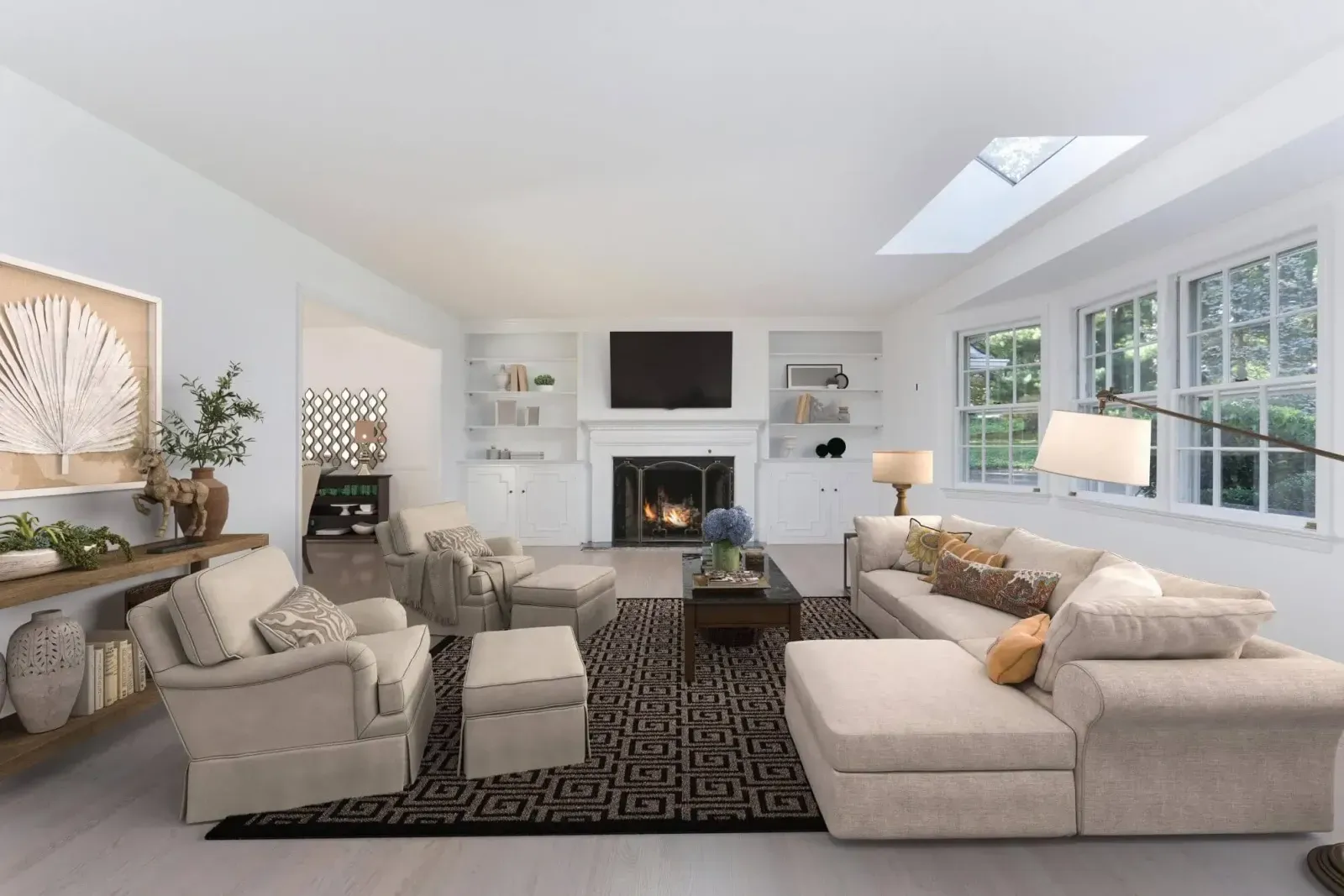

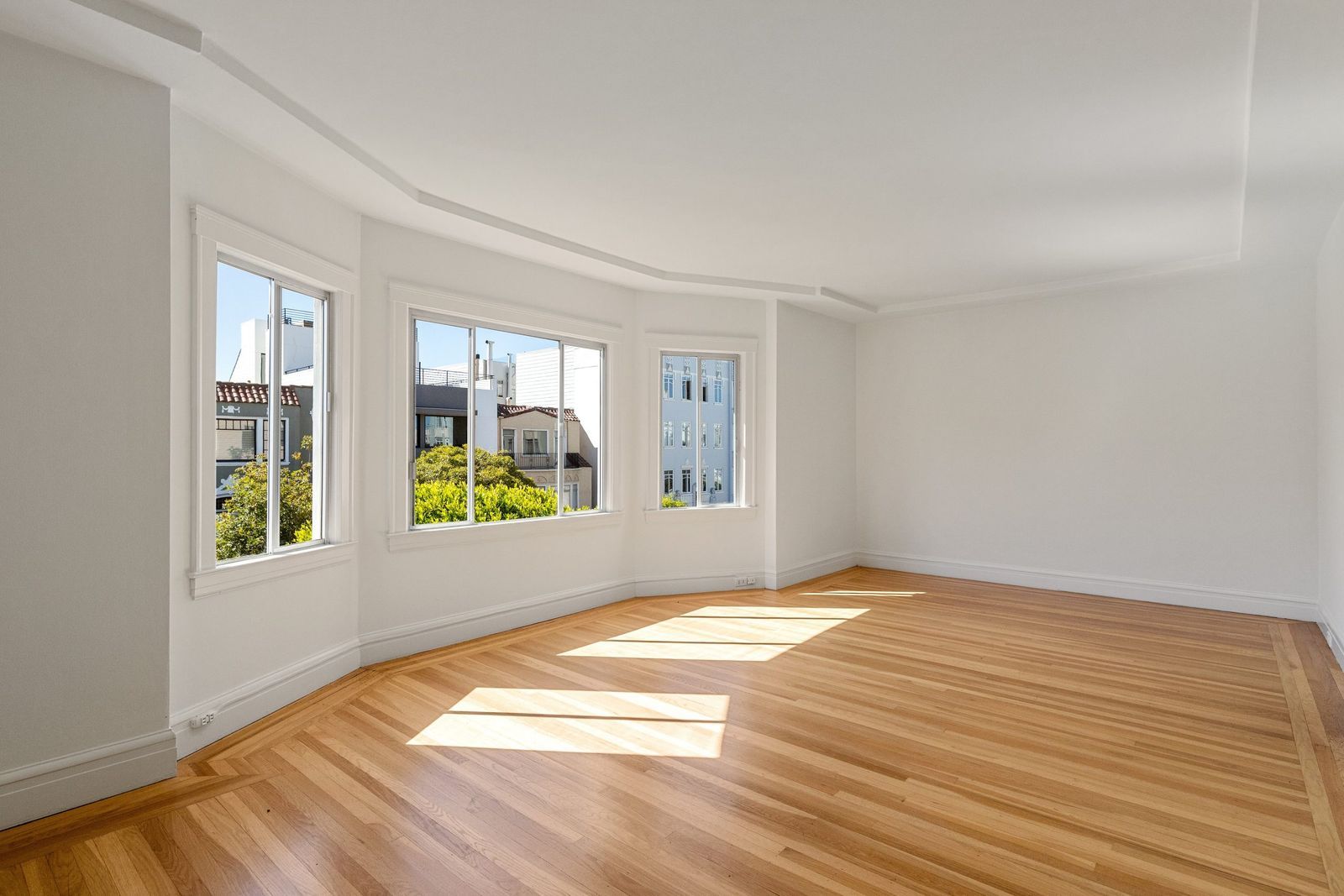
Virtual staging starts with a photograph, and a good photo makes a big difference to the result. Designers can furnish almost any room, but they can’t fix a crooked horizon, a blown-out window or a corner that was never in frame. A few minutes of preparation on the shoot means staging that looks natural and a listing that looks professional.
Here is what to get right.
Prepare the room
- Empty it as much as you can. Small leftover items such as boxes, cleaning supplies and cables all need removing digitally. Minor cleanup (removing an existing chandelier, for example) is included with a roOomy virtual staging order, but a room that is still fully furnished needs the separate furniture removal service first.
- Open blinds and curtains evenly. Natural light helps the staged furniture look grounded in the room.
- Turn on all the lights, including lamps and under-cabinet lights, so the colour of the light is consistent.
- Clean floors and windows. Staging covers part of the floor, not all of it, and smudged glass shows.
Camera position
Height: shoot from roughly chest height, about 1.2 to 1.5 m (4 to 5 ft) off the floor. Much higher and the room looks like it was photographed from a ladder; much lower and the ceiling dominates. A consistent height across every room also makes the staged set feel like one home.
Keep verticals straight. Level the camera so that walls, door frames and windows are vertical in the frame. Tilted verticals make furniture look like it is leaning, and they are the most common reason a staged photo feels “off”.
Use a tripod. It keeps the camera level and lets you shoot several exposures if the windows are much brighter than the room.
Composition
- Shoot from a corner or doorway so the photo shows two or three walls. That gives the designers the floor space they need and gives buyers a sense of depth.
- Show the floor. Staging needs visible floor area for sofas, beds and rugs. A frame that is mostly ceiling leaves little to work with.
- Avoid extreme wide angles. A moderately wide lens shows the room without stretching the edges. Furniture placed in a heavily distorted corner never looks right.
- Take more than one angle of key rooms. You can then choose the best one to stage and use the others unstaged.
Exposure and lighting
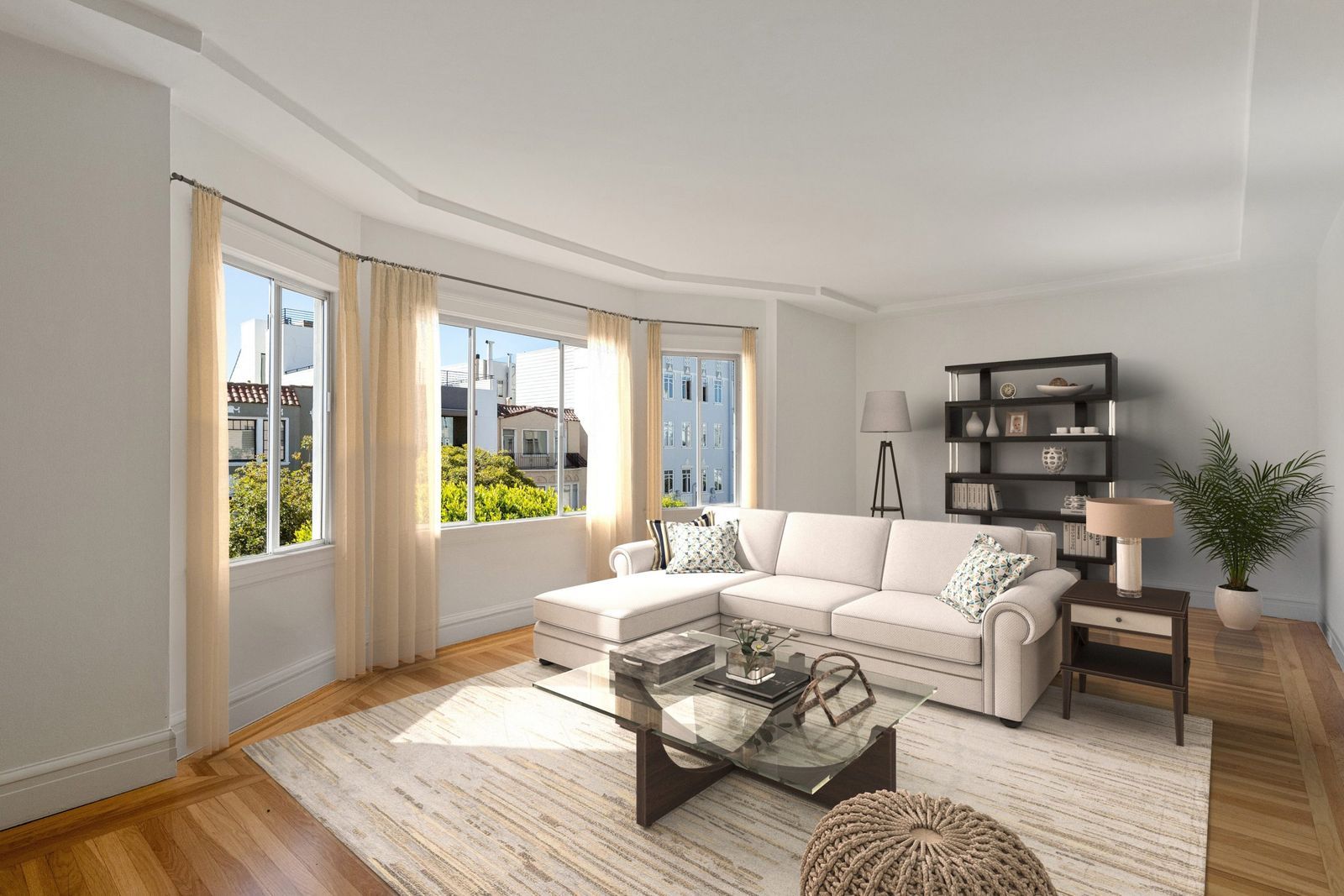
Empty rooms with large windows are tricky: either the room is dark or the windows are pure white. If you can, bracket your exposures and blend them, or use your camera’s HDR mode. Aim for:
- Window views that are visible, not blank white.
- Shadows that are soft, not black.
- Neutral white balance, so walls look the colour they really are.
Natural, balanced light gives the designers clear cues for where shadows should fall on the furniture they add.
File quality
Send the highest resolution you have, as JPG or the format your photographer delivers. Avoid images that have already been heavily compressed, cropped or filtered for social media. Full-size files give the most realistic results, and you can always resize the finished images for each listing portal.
Which rooms to shoot
Focus on the rooms buyers care about most: the living room, kitchen-dining area, primary bedroom and any flexible space you want to show a purpose for. Our guide on which rooms to virtually stage first goes into more detail.
Ready to stage?
Once your photos are ready, pick a design style, follow the virtual staging order guide and place your order. Staged photos are delivered in 24 to 48 hours.