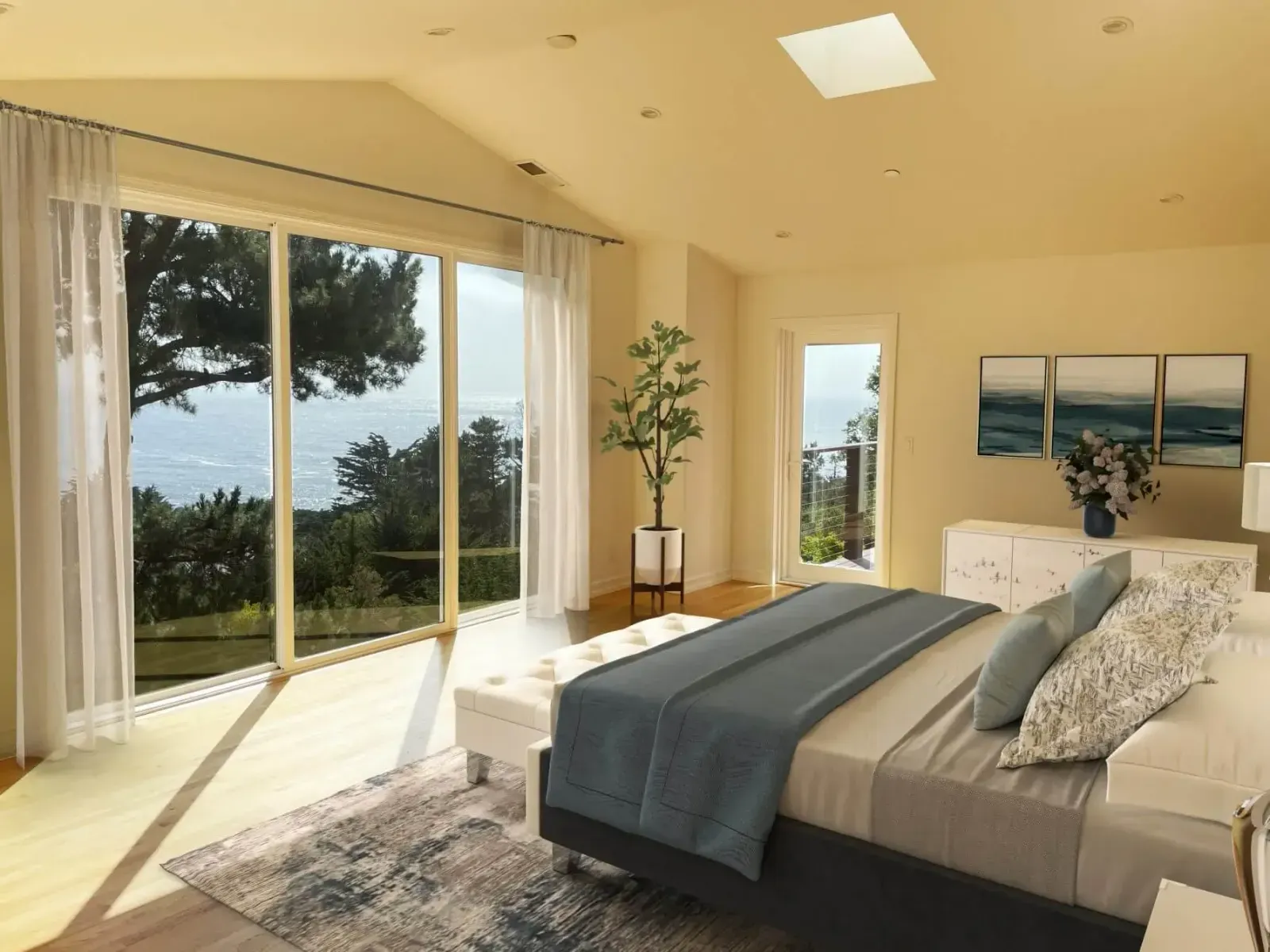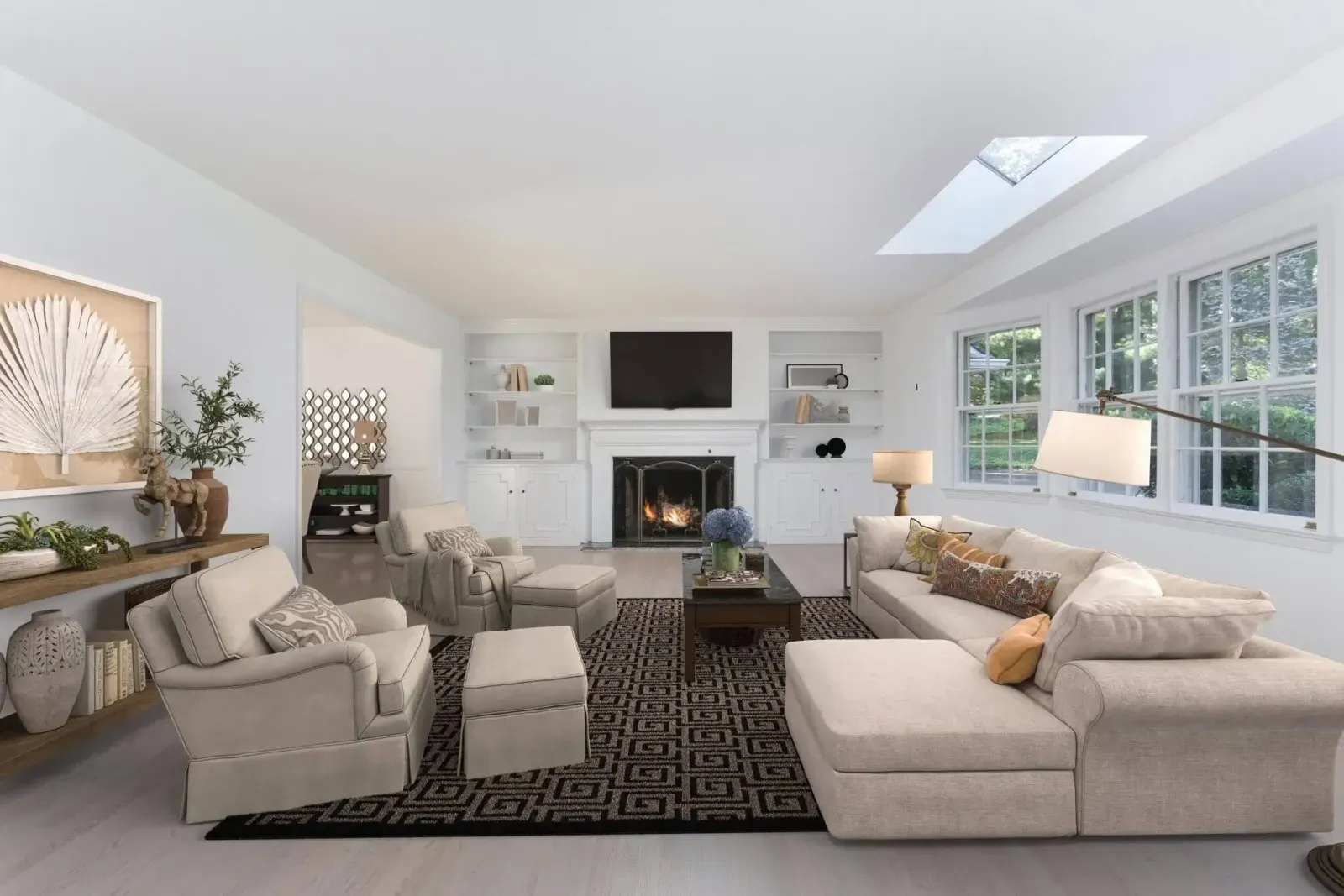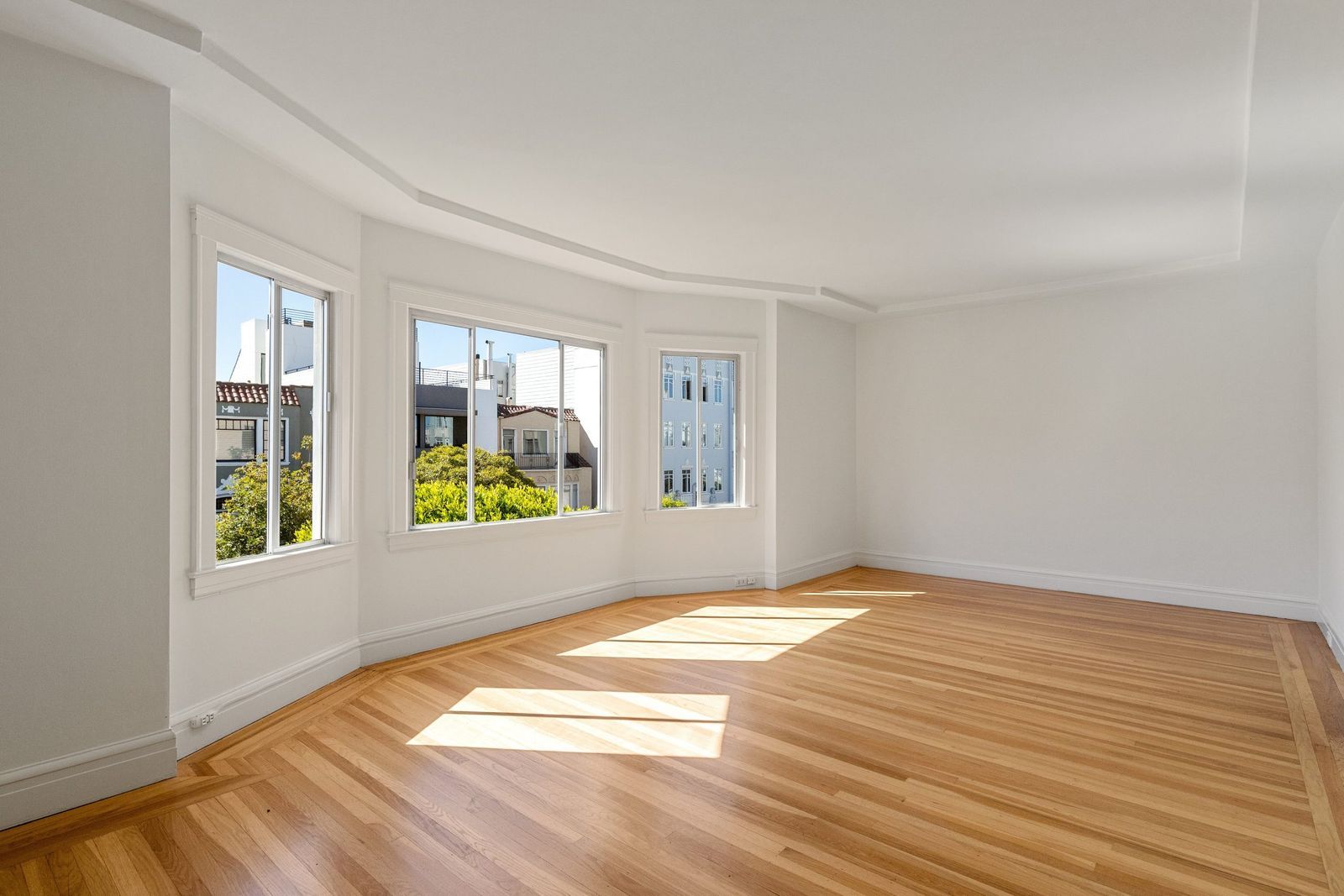

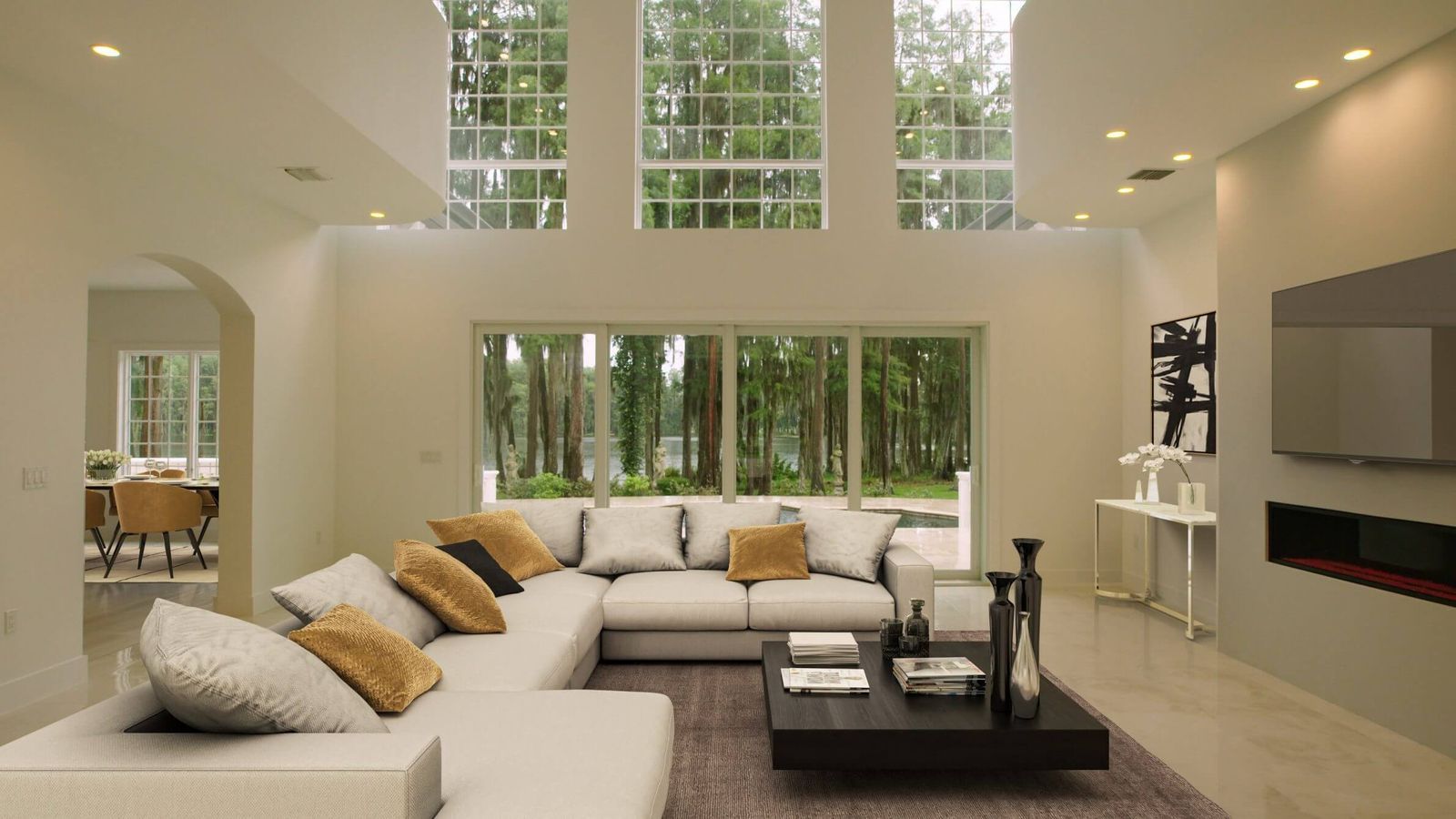
Virtual staging helps buyers see how a room could be lived in. Used honestly, it is a marketing tool much like professional photography or physical staging. Used carelessly, it can leave buyers feeling misled when they walk through the door, and that is bad for the sale and for your reputation.
The answer is simple: disclose it, and never use it to hide anything about the property.
This article is general guidance, not legal advice. Rules differ between MLSs, brokerages and countries, so always check the requirements that apply to you.
Why disclosure matters
Buyers know furniture doesn’t come with the house, so staging itself isn’t the problem. Problems arise when buyers can’t tell what is real. Clear labelling:
- Builds trust. Buyers who know a photo is staged arrive expecting an empty room, not surprised by one.
- Protects you. Many MLSs and brokerages have rules about altered photos, and a label is the easiest way to stay within them.
- Keeps the focus on the home. When buyers trust the photos, they spend their visit looking at the space, not wondering what else was changed.
What virtual staging should change, and what it shouldn’t
A good rule of thumb: staging can add things that leave with the seller; it shouldn’t change things that stay with the house.
| Generally fine to add or change | Should stay as it is |
|---|---|
| Furniture, rugs and décor | Walls, windows and doors |
| Artwork and plants | Flooring condition and damage |
| Lamps and other movable lighting | Room size and layout |
| Removing the seller’s furniture and clutter | Views out of the window |
| Fixtures, appliances and built-ins |
Changes to permanent features belong in a separate category: virtual renovation. Renovation images are useful for showing a property’s potential, but they should be clearly presented as a concept of what the home could look like, never as its current condition.
How to label staged photos
Pick an approach that fits your listing platform and use it on every image:
- Caption each staged photo with “Virtually staged” (or “Virtually renovated” where applicable). This is the most widely used approach.
- Add a small, unobtrusive watermark in a corner of the image, if your MLS allows watermarks.
- Include the unstaged version next to the staged one. Buyers then see both the potential and the reality, which many find reassuring.
- Mention it in the listing description, for example: “Some photos have been virtually staged to show possible furniture layouts.”
Do the same in your other marketing: social posts, brochures, emails and property websites.
Matterport tours
The same principles apply to virtually staged Matterport 3D tours. Mention the staging in the tour description and, where you can, offer a link to the original unstaged tour too. Because roOomy stages a copy of your tour, your original remains in your Matterport account.
Showings
At an in-person showing, a printed sheet with the staged photos helps buyers picture the empty rooms they are standing in. It’s a simple way to turn the staging into a selling point rather than a surprise.
In short
Disclose clearly, keep permanent features accurate, and offer an unstaged version where you can. Done that way, virtual staging gives buyers a better picture of the home without anyone feeling misled.
Want to see what honest, photorealistic staging looks like? Browse our virtual staging overview or compare virtual and traditional staging.