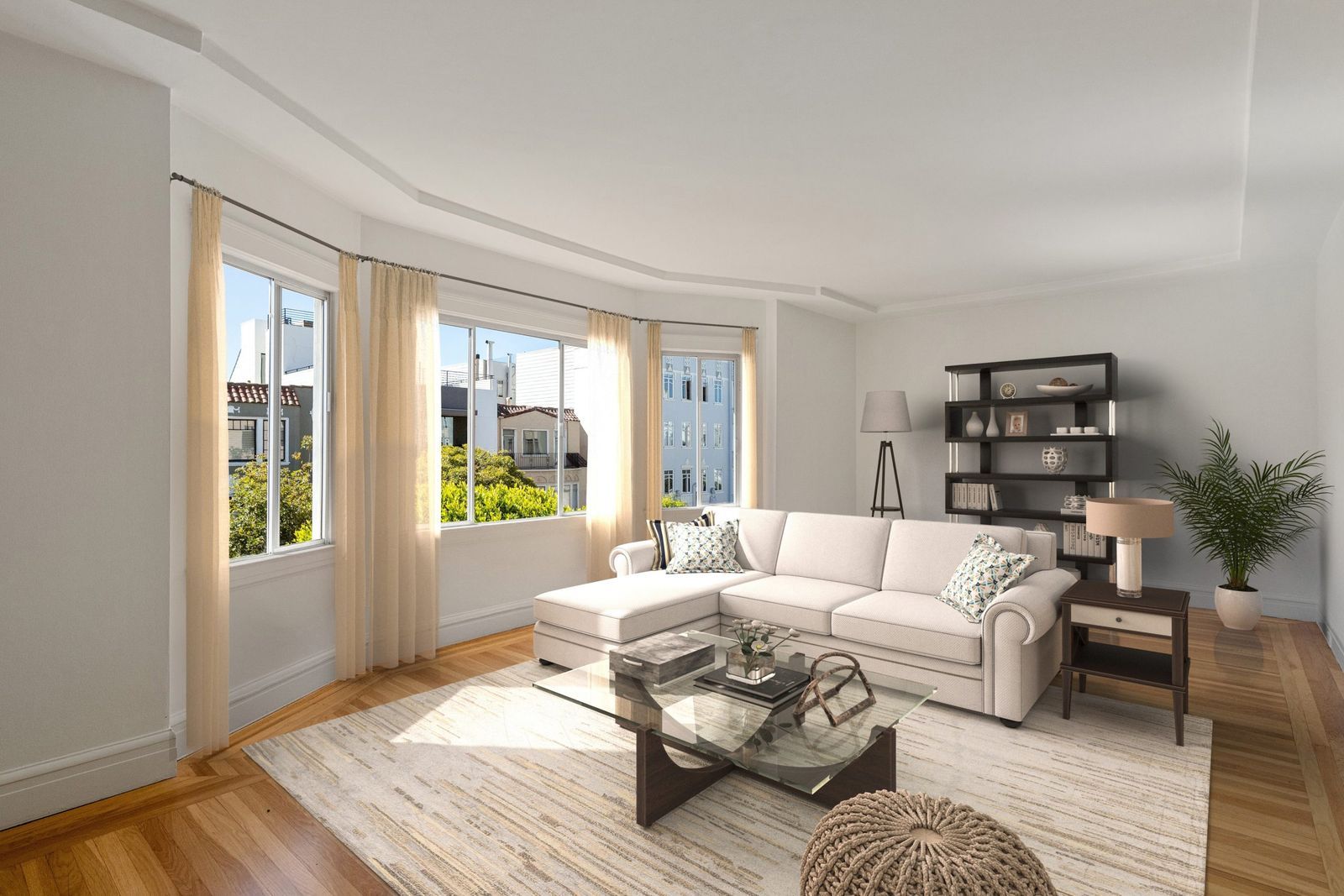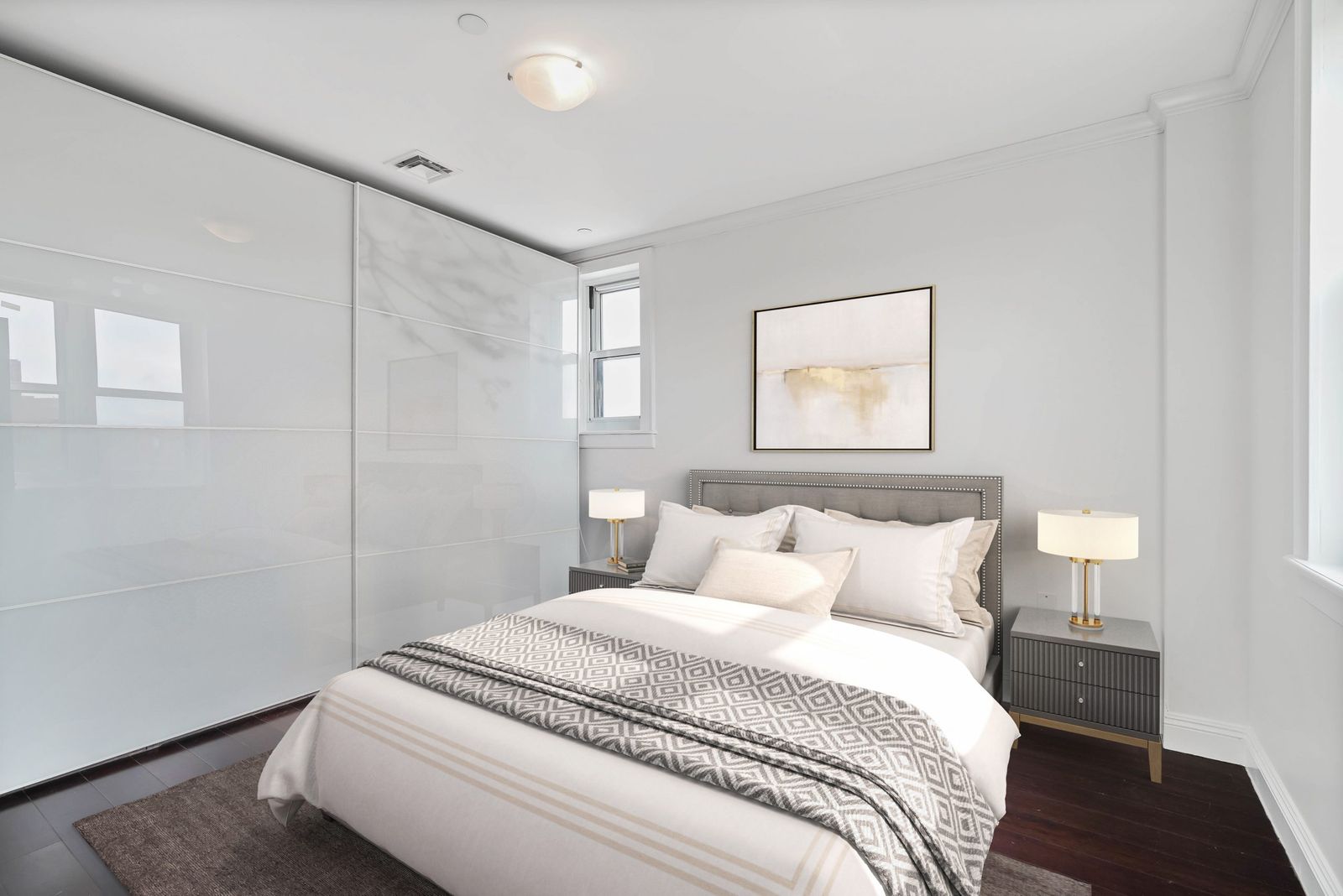

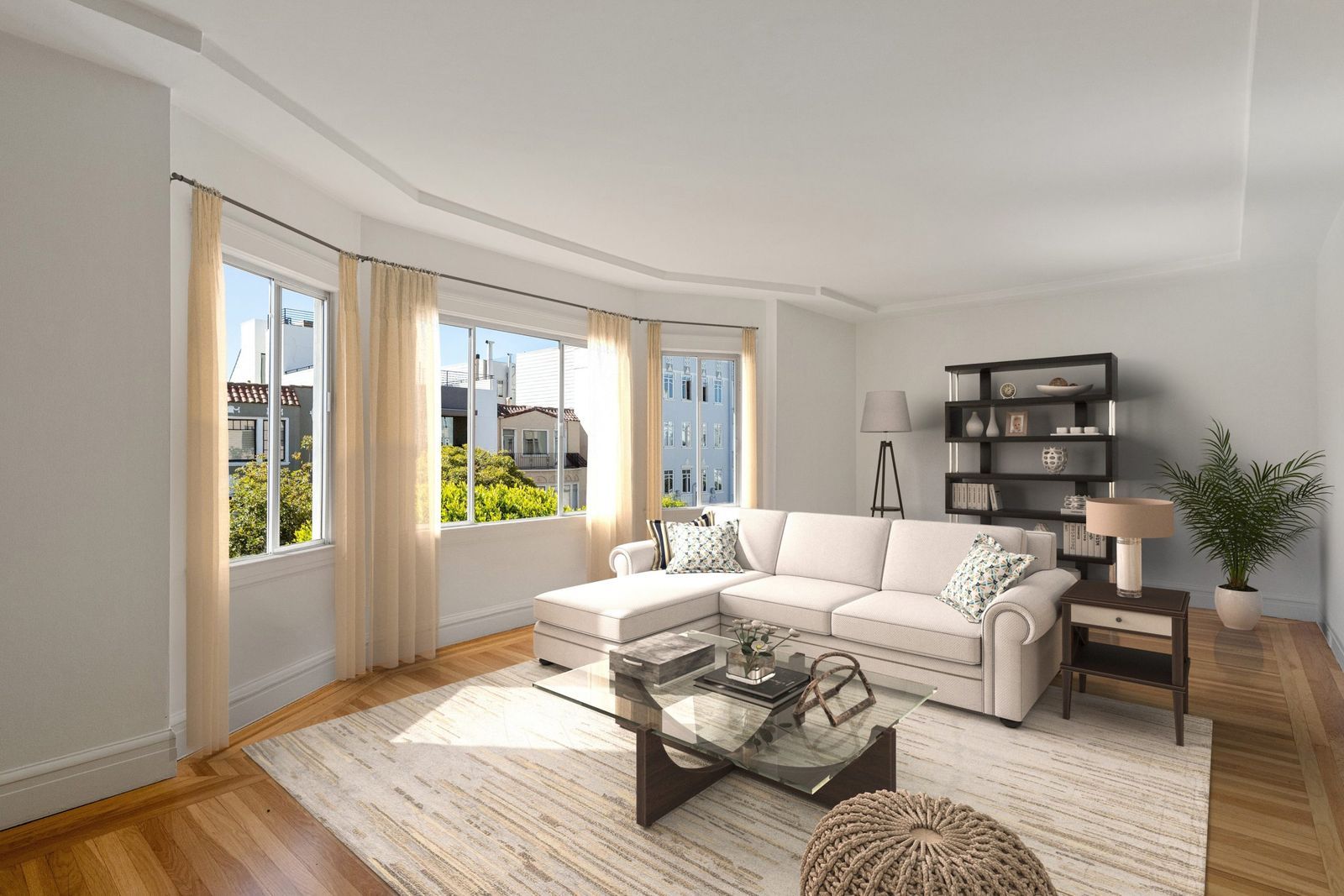
Virtually staged photos help a listing get noticed. A virtually staged Matterport 3D tour goes further: buyers can walk through every room, fully furnished, from any device. For new developments, luxury homes and rentals marketed to out-of-town buyers, it is one of the most convincing ways to show a property without opening the door.
roOomy is an official Matterport partner for virtual staging. Here is how the process works from scan to finished tour.
1. Start with a good scan
Staging can only be as good as the scan underneath it. Before you capture the space:
- Empty the rooms you want staged as much as possible. Furniture in the scan has to be removed digitally first.
- Scan in good light, with blinds set the same way throughout.
- Cover every room you want furnished, including smaller spaces like dens and bedrooms, so buyers do not walk into an unstaged corner.
- Don’t worry about small blemishes: object removal (such as the camera in a mirror) and touch-ups are included in roOomy’s Matterport staging price.
2. Choose a design style
Pick the look that suits the buyers or renters you are targeting. roOomy offers nine signature styles, from Scandinavian and Minimalistic to Traditional and Farmhouse. If none of them fit, you can send your own inspiration deck or reference photos and the design team will work from those.
Not sure which to choose? Our guide to choosing a design style for your listing walks through the options.
3. Place your order
Matterport staging is priced by the square footage of the tour. Current pricing starts at $434 for spaces under 700 sq. ft. and scales up by size, with spaces over 4,000 sq. ft. at $0.42 per sq. ft. Full pricing, bulk credits and virtual renovation quotes are on the pricing and order page.
If you stage tours regularly, bulk credits lower the per-square-foot price (one credit equals one square foot) and stay valid for 12 months.
4. Transfer a copy of the tour to roOomy
Once your order is placed, you transfer a copy of the Matterport space to roOomy’s Matterport account. Your original stays untouched in your account. The Matterport transfer guide shows each click, and there is a printable PDF version if you prefer.
5. Review the key panoramas
roOomy’s designers furnish the space from a 3D home décor library and share key panoramas with you: the most important viewpoints in the tour, staged. This is your chance to request changes, such as a different sofa, a lighter rug or a home office instead of a bedroom, before the full tour is finished.
6. Receive the staged tour
After your changes are made, roOomy finalizes the tour and transfers it back to your Matterport account, ready to embed in your listing, share on portals or send to buyers.
Tips for getting the most from a staged tour
- Keep an unstaged version. Some buyers want to see the bare space, and many MLSs require disclosure of virtual staging. Linking both versions is good practice.
- Lead with the staged tour in your marketing. Use it in listing emails, social posts and paid ads, where first impressions count most.
- Pair it with staged photos. Staged still photos are what most people see first on listing portals. See photo virtual staging.
- Think about function, not just style. Showing a flexible room as a home office or guest room helps buyers understand how they could use it.
Ready to stage your tour?
Read the full Matterport order and design workflow, see examples of virtually staged Matterport tours, or place your order to get started.